

It is also a great tool for integrating and moving data between different systems. By working with Power Automate, you free up time, get more done, with fewer errors, while reducing dependency on the individual.
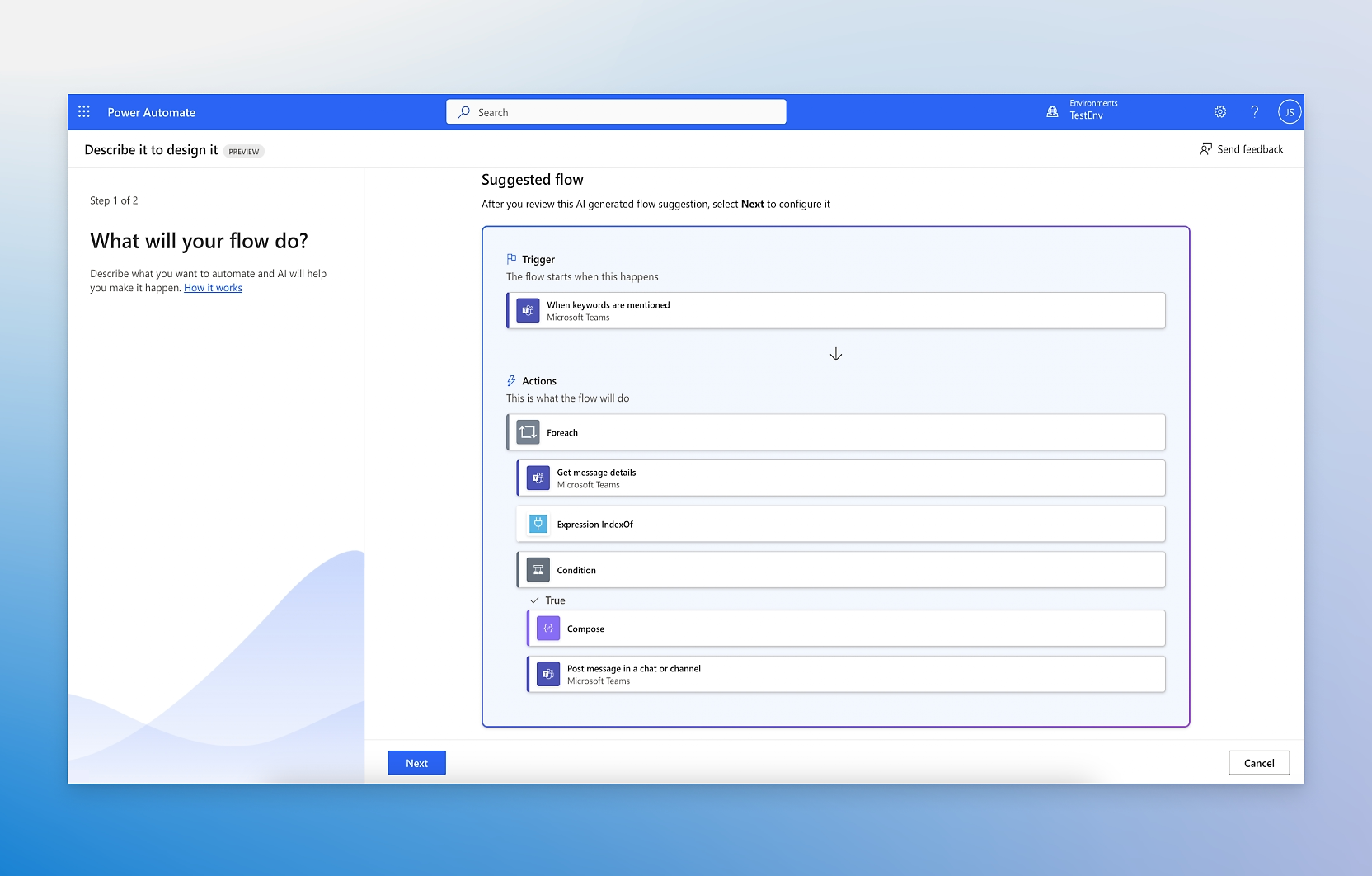
Power Automate
Let the system automatically send information and reminders to the user to ensure that nothing is missed, such as deadlines, meetings or tasks. This can help teams stay on track and ensure that nothing important is forgotten.
Power Automate
Let Power Automate retrieve and transform timesheets and contracts/services to automatically create orders or invoices in your ERP system via API. Also create authorization flows and automate the entire process from request to signing.
Power Automate
Automate approval processes for documents, invoices or other important files. When a file is uploaded or a request is sent, the workflow can automatically send it to the right person for approval and notify everyone involved when the process is complete.
Power Automate
With Power Automate, you can automate the set-up of, for example, Projects, Teams or SharePoint sites based on templates to ensure that the necessary components and information are already in place before employees start working actively.
Power Automate
Create robotic process automation (RPA) by simply recording a manual process on your computer that can then be run automatically to avoid repetitive tasks.
Power Automate
Create workflows to manage incidents and issues. When an incident is reported, the workflow can automatically assign it to the right team member, create a task in the project management tool, and send updates to everyone involved.